FOIA redaction without sending the records anywhere
A public-records release is the one document where sending the file to a third party to redact it is the most obviously wrong thing you could do. The whole exercise is about controlling what leaves; the first step should not be making a copy somewhere you do not run.
Open the tool Free below thirty pages, in your browser. Nothing is uploaded.
 After
After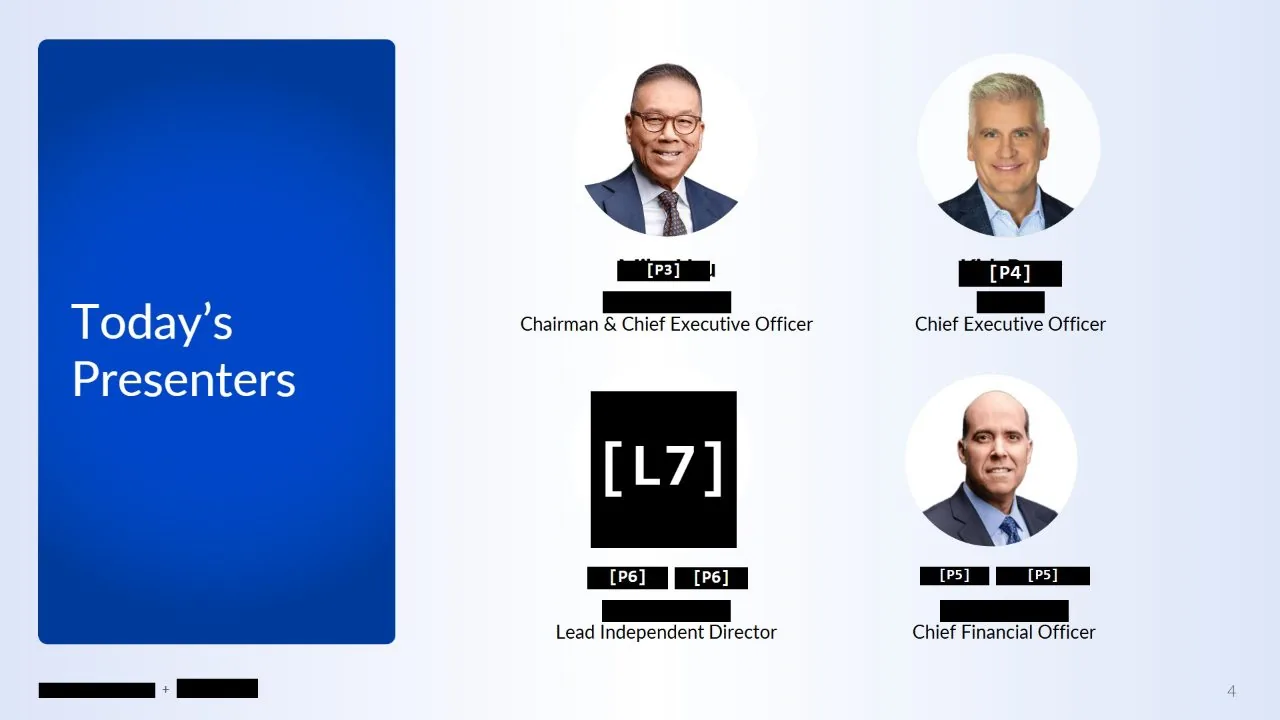
The exemption is in the pages, not the metadata
A release is usually a pile of scans: printed emails, forms with handwriting on them, faxed letters, signature pages. The names, the direct lines, the home addresses and the signatures are in the pixels. A text search finds none of it, because there is no text.
So the work is done a page at a time with a rectangle tool, and the reason releases get re-issued is that somewhere in nine hundred pages a name went through.
Read the pages, then search them
Scanned pages are read in the tab, so a name typed once is found in the lettering of every scan as well as in any real text. A signature, a letterhead or a stamp is picked out with a box and found everywhere else it appears.
There are detectors for the things that leak and that nobody thinks to type: email addresses, phone numbers, web addresses, and street addresses and postal codes. After a search, one you never ticked still shows what it found, so the number is there before you decide to cover it.
Checked before it is committed, and again afterwards
Every proposal is on screen before anything is covered, with the page it is on and a count per term, so a release is reviewed as a list rather than by scrolling nine hundred pages hoping to notice something. Marks the tool is least sure of are put back to you as questions rather than quietly applied.
Words that exist only as pictures -- a name in a letterhead, a stamp with type in it -- get an optional second pass that looks for them by shape. It states the wait before it starts, because on a long release it is minutes, and it is your decision whether this document needs it.
When the export is done, check it the way a recipient would: open it, select across a bar, and paste. Nothing comes out, because the page was rebuilt rather than covered. Do the same test on whatever you use today.
A record you can defend
The exported file has each page rebuilt from pixels. What is under a bar is not in the file -- not selectable, not copyable, not recoverable by pulling the content stream apart. That is the property a release has to have, and the one that a rectangle drawn in a PDF editor does not.
Labels can be turned on so each bar carries a consistent code, which is how you show that four bars on four pages are the same withheld individual without naming them.
How to do it, in four steps
- Open the release. Nothing is uploaded; the pages are read on your machine.
- Type the names and numbers to withhold, and tick the detectors for addresses, phone numbers and the rest.
- Pick out signatures, stamps and letterheads with a box; every other copy is found.
- Review every proposal, dismiss the ones that should stay, then Redact and export.
Who it is for
Records officers, FOIA and public-records teams, litigation support preparing a production, and journalists redacting a source document before publishing it.
Questions
Does anything leave my machine?
No. There is no server. The browser is prevented from sending anything anywhere by a content security policy on the page, and the tool works with the network disconnected.
Can it handle scans with no text layer?
Yes. The pages are read in the tab, and words are also matched by shape where the reading was defeated by a poor scan or an unusual typeface.
Can I prove nothing was uploaded?
Open the network panel and redact a document: nothing leaves. The source is published, so the claim is checkable rather than a promise.
Is there an audit trail?
A draft can be saved: your marks, the words you typed and what was found, as a file on your own machine to reopen and edit later. It holds the same sensitive material as the document, so keep it as carefully.
Also
- How to redact a PDF properly
- Redact an image, photo or screenshot
- Redact a PDF on a Mac
- AI redaction without uploading your document
- Redact a CIM or teaser without uploading it
- De-identify scanned records
- Your redacted text is still extractable. Here is why
- Redact a PDF before you paste it into ChatGPT or Claude
- Redact a board pack
- Redact CVs for blind screening
- Remove names and faces from photographs in a report
- Redact a bank statement
- Remove a logo from every page of a PDF
- Redact a PDF without Adobe Acrobat Pro
- iLovePDF vs Smallpdf vs PDFgear vs Blinded for redaction
- Remove a letterhead or stamp from every page
- Redact images in a PDF or PowerPoint deck
- Redact scanned documents automatically