Redact scanned documents automatically
A scanned document is a photograph of paper. It looks like text, but to a computer there is none: search finds nothing, and a redaction tool that works by searching cannot see a single name on it. Doing it by hand means reading every page and drawing every box.
Open the tool Free below twenty pages, in your browser. Nothing is uploaded.
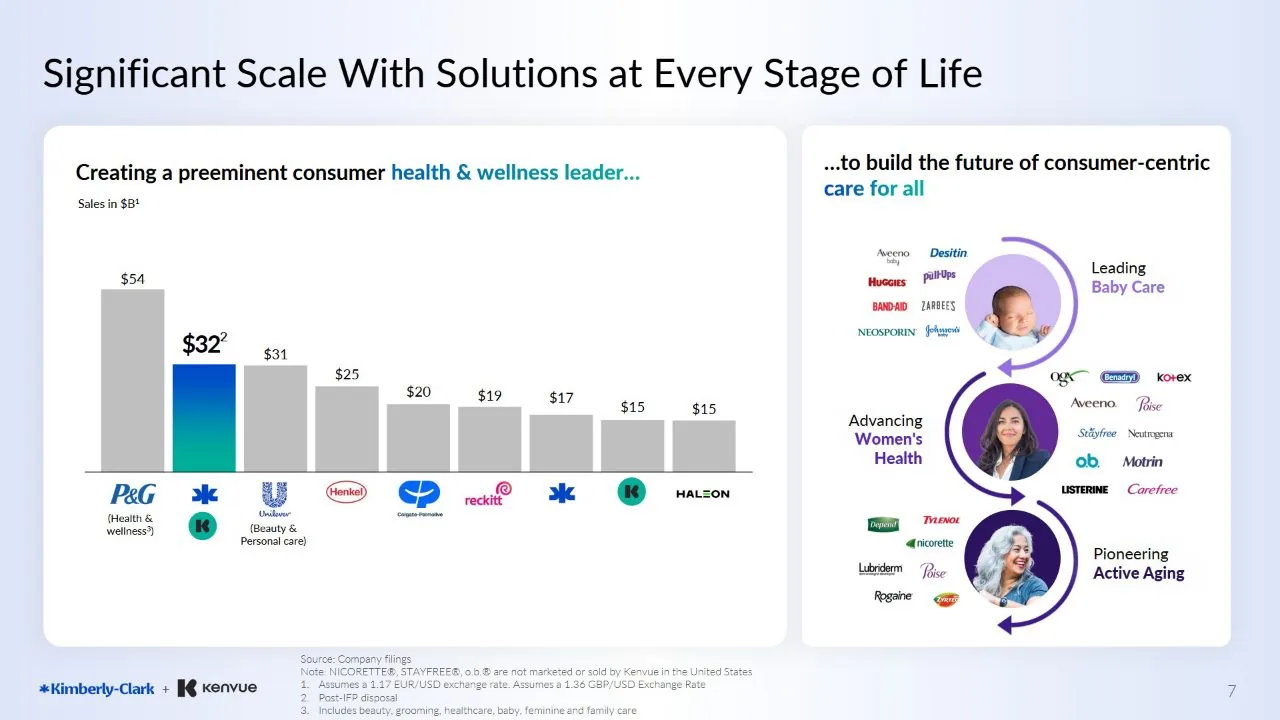 After
After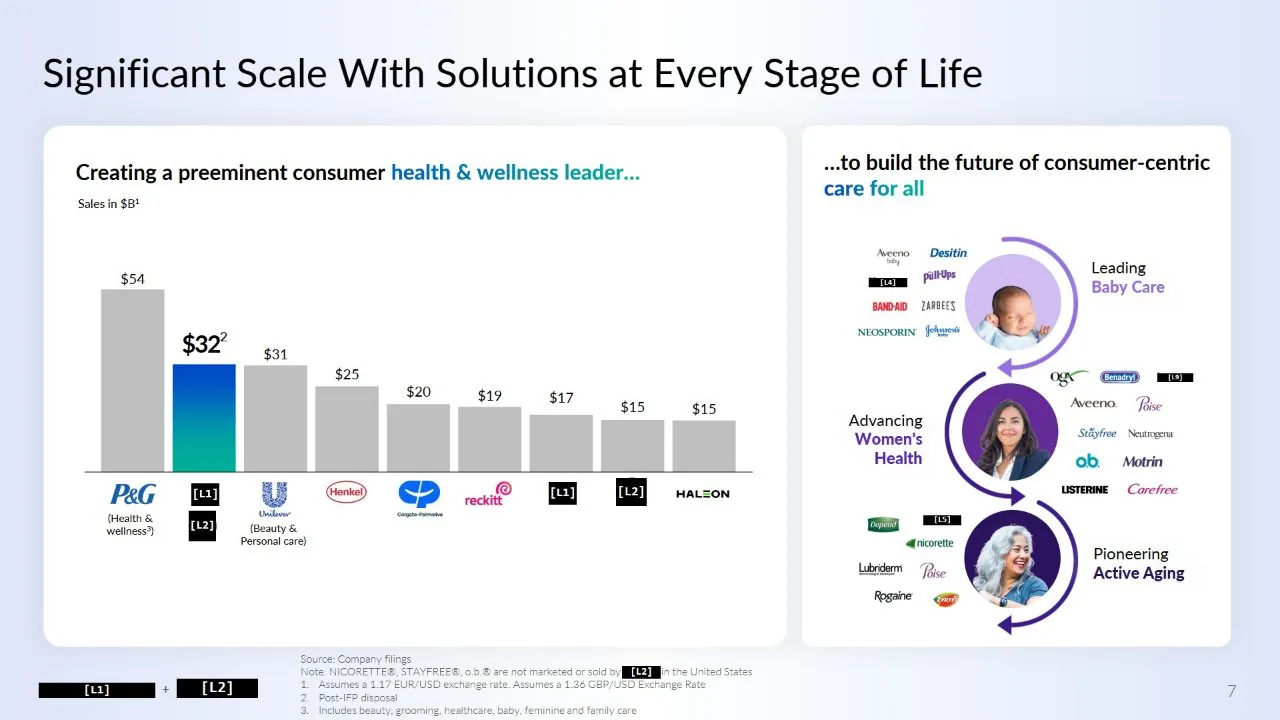
Reading the page first
Open the scan and each page is read by text recognition, in your browser rather than on a server. Small or faint type that reads badly the first time is read again at a larger size, and white text on dark bands is read inverted, so a header or a table heading is not skipped.
Once the page has been read, everything a text document offers works on the scan: searching for a name, counting how often it appears, and finding it on every page.
Found without being typed
Some things can be found without you naming them. Switch on the detectors and every email address, phone number, web address, street address and personal name the reading finds is proposed for redaction automatically, on every page, before you have typed a word. Then add the specific names and references that only you know to look for.
A word the reading got wrong is not lost. Where recognition misreads a name, a second check looks for it by its shape on the page, and a common misreading, such as an ampersand read as an a, is used to point that check at the right place.
A worked example
Take a forty-page bundle of scanned correspondence to be released with personal details removed. Opened here, the pages are read in a few minutes, a few seconds a page. The detectors propose every email address, phone number and street address they find. You type the three names that matter and pick the letterhead once. What is left is a list of marks by page to walk through, not forty pages to reread, and an export in which none of it survives.
Stamps, logos and signatures
A scan usually carries marks that are not text at all: a company stamp, a letterhead, a logo. Draw a box round one and every other copy is found by what it looks like, allowing for the small differences in position and ink between scanned pages.
What automatic means here
It finds and proposes; you confirm. Every mark is listed by page before anything is covered, because a detector that is right ninety-nine times in a hundred is still wrong on a document you cannot take back. It works on one document at a time rather than a folder of them, and handwriting is read far less reliably than print, so handwritten names should be checked by eye.
The export rebuilds every page from pixels, so the redaction is permanent, and the scan never leaves your machine: the browser tab is not permitted to send it anywhere.
How to do it, in four steps
- Open the scanned PDF or image. It is read in your browser.
- Switch on the detectors for emails, phone numbers, addresses and names.
- Type any other names or references, and pick any stamp or logo once.
- Check the proposed marks, then redact and export.
Who it is for
Anyone handling scanned paperwork: HR and legal teams, records officers answering a request, accountants sharing statements, and researchers working with archive material.
Questions
Does it read handwriting?
Printed text is read well; handwriting much less reliably. Handwritten names should be checked by eye and covered with a box where they were missed.
Can it process a folder of scans at once?
No, one document at a time. Each is read, checked and exported in the browser tab.
Is the scan uploaded for OCR?
No. Text recognition runs inside your browser, and the page is not permitted to send anything anywhere.
Also
- How to redact a PDF properly
- Redact an image, photo or screenshot
- Redact a PDF on a Mac
- AI redaction without uploading your document
- Redact a CIM or teaser without uploading it
- FOIA redaction without sending the records anywhere
- De-identify scanned records
- Your redacted text is still extractable. Here is why
- Redact a PDF before you paste it into ChatGPT or Claude
- Redact a board pack
- Redact CVs for blind screening
- Remove names and faces from photographs in a report
- Redact a bank statement
- Remove a logo from every page of a PDF
- Redact a PDF without Adobe Acrobat Pro
- iLovePDF vs Smallpdf vs PDFgear vs Blinded for redaction
- Remove a letterhead or stamp from every page
- Redact images in a PDF or PowerPoint deck